
See your occupancy, predict no-shows and fill gaps before they cost you.
One daily view of the diary, follow-up that runs on its own and a weekly report on chair occupancy. Clarity and control, and more time for your team.

You own the diary, the team and the numbers
An ordinary week from the practice manager's desk.
Someone asks for last month's no-show rate. Then it takes an afternoon in the practice software to produce a figure nobody fully trusts.
Two no-shows before lunch. Reminders did go out, but nobody could see who had not replied.
Reception fills a cancellation after twenty minutes of calls, while the desk falls behind.
The waiting list is on paper. Even then, half the numbers on it are out of date.
The owner asks whether occupancy is improving. The honest answer is that you think so.
None of this is a lack of effort. Instead, it is the lack of one clear view of where the chair time goes.
What TurnUp World takes on
The tools behind a diary you can trust, and the figures to show it.
Chair occupancy tracked every week
One occupancy figure per practice, clinician and treatment, in a Monday summary.
See Insights 02No-shows predicted, not just counted
TurnUp World scores every appointment 14 days ahead and then follows it up to match.
See No-show Prevention 03A waitlist that manages itself
Patients register and update their own availability, and TurnUp World then matches them to every open slot.
See WaitlistOne daily view of what needs you
Today and tomorrow on one screen: what is at risk, what is open and also what needs a decision.
Gaps filled without the team on the phone
One click sends a cancelled slot to every matching patient at once.
See Last-minute FillingBefore and after
01An afternoon to work out last month's no-show rate
01No-show rate and occupancy in a Monday email
02Not knowing who has not confirmed
02Unconfirmed appointments flagged and followed up
03Twenty minutes of calls to fill one cancellation
03One click sends the slot to every match
04A paper waiting list that goes stale
04A queue patients keep current themselves
05Thinking occupancy is improving
05Knowing, per clinician and per treatment
What Practice Managers are saying
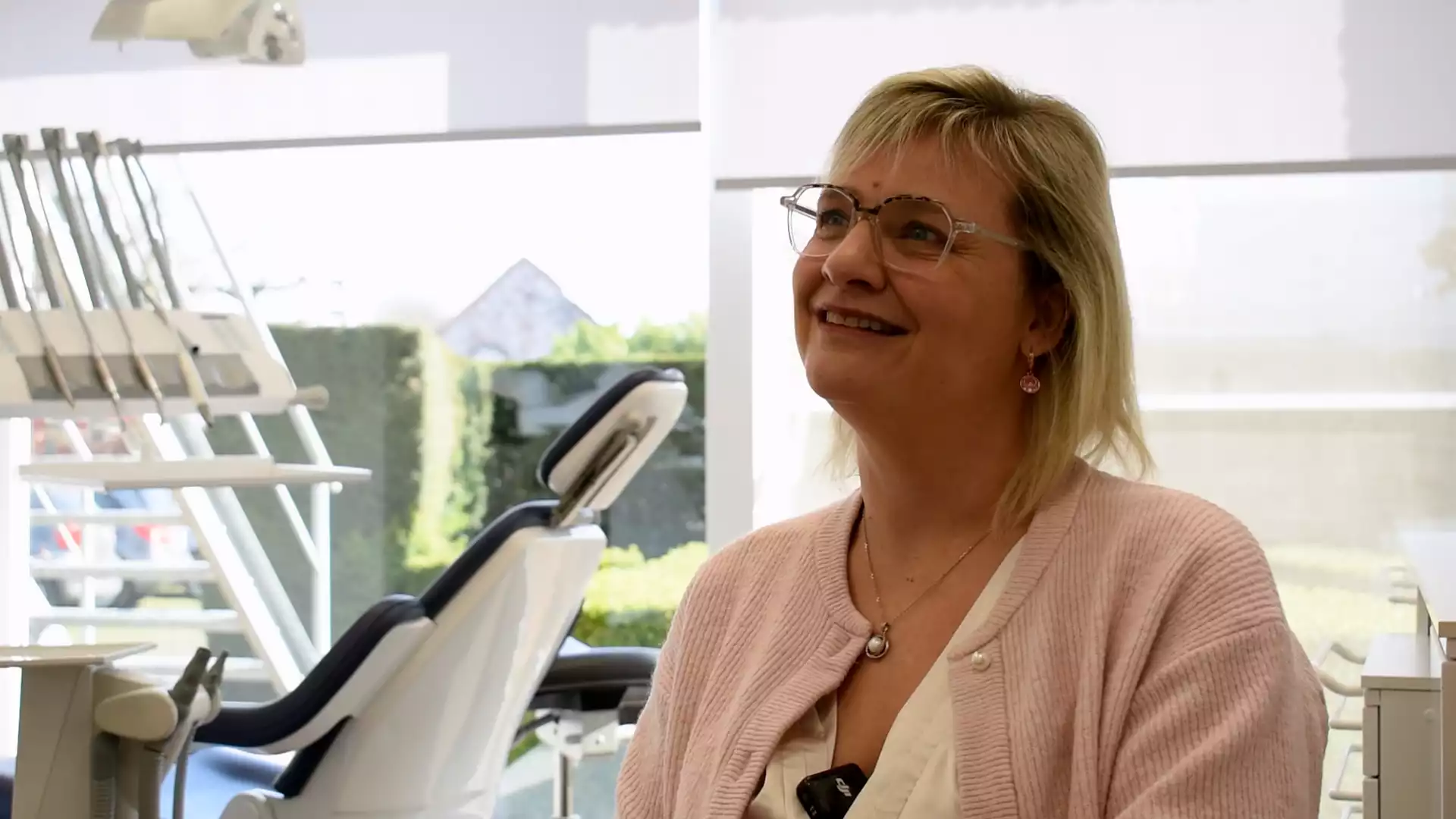
"Filling one gap used to mean ten minutes on the phone. Now the fastest we have seen is a slot taken in 33 seconds."
Where to start
No-show Prevention
Fewer surprises in the diary, with the reasons behind every risk score.
See No-show Prevention 02Waitlist
A queue that keeps itself current, ready for every gap.
See Waitlist 03Insights
The occupancy figure you report on, measured the same way every week.
See Insights 04Last-minute Filling
Cancellations refilled without twenty minutes on the phone.
See Last-minute FillingCommon questions
01What does the daily dashboard show?
02How is chair occupancy calculated?
03Can I see trends over time?
04Does it integrate with our practice management system?
05Will my team actually use it?
06Can I control the rules?
See the tools behind a diary you can trust.
First, we walk you through the daily view, the weekly figures, the waitlist and how you set the rules for reminders and refills. Then we talk through how it would fit the way you run your practice.


